
Plan outfits in your calendar and try them on
Every day can get an outfit made from your own clothes, and you can see it on yourself first.
Updated November 24, 2026
Steps
- Open the Outfits tab, tap a day, then Add outfit.
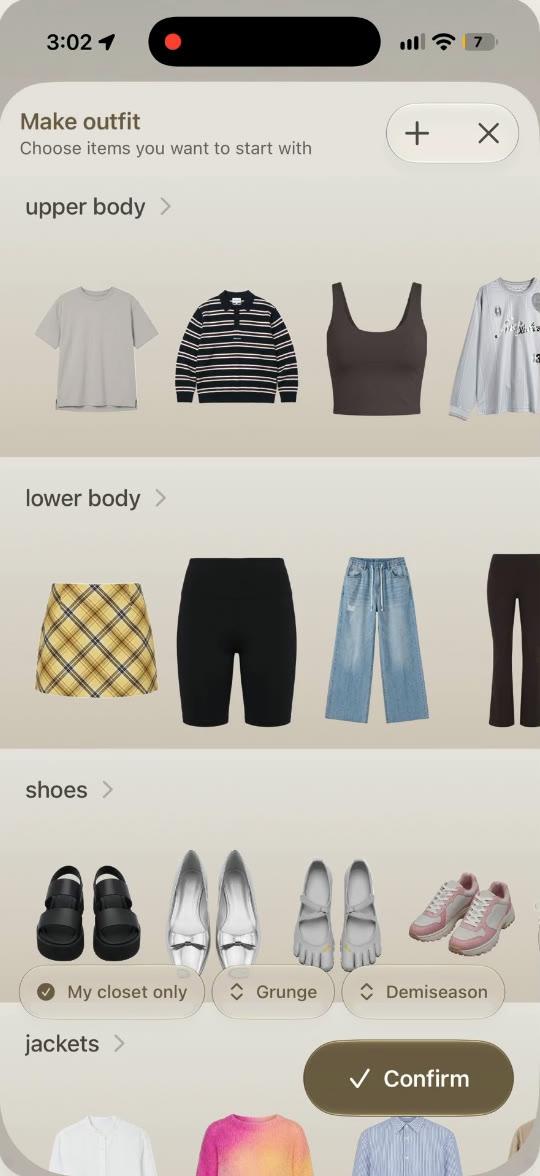
- Choose the pieces you want to start with. Filter by season or style.
- Aesty builds outfits around them. Pick the one you like.
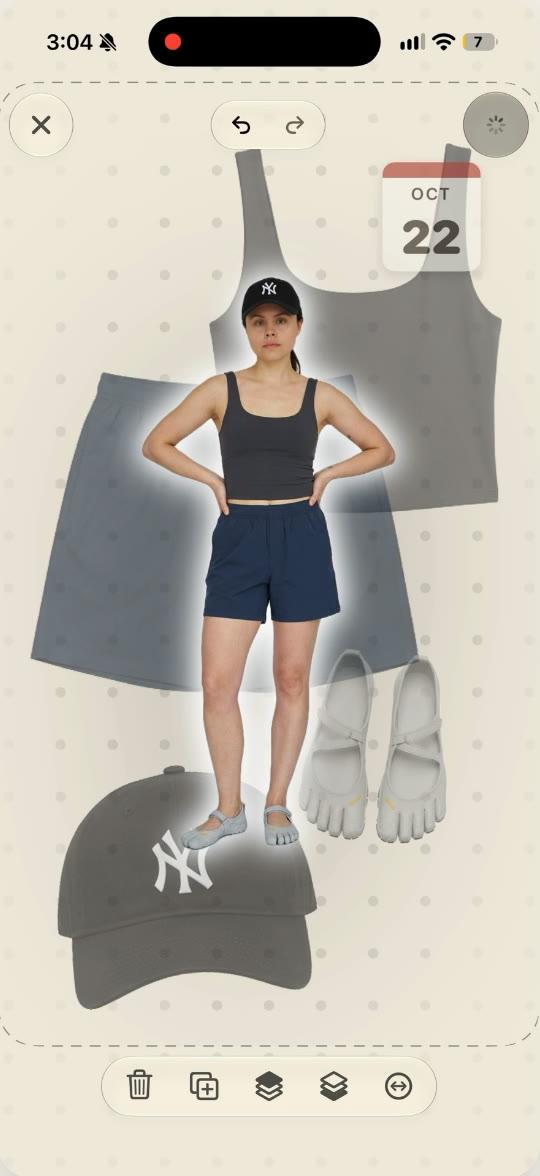
- It lands on that day. Move the pieces or add more.
- Tap Try on and pick your photo. In about a minute the look is on you, saved to that day.
Building and planning outfits use no credits; a try-on uses 10.