
Add clothes by hand
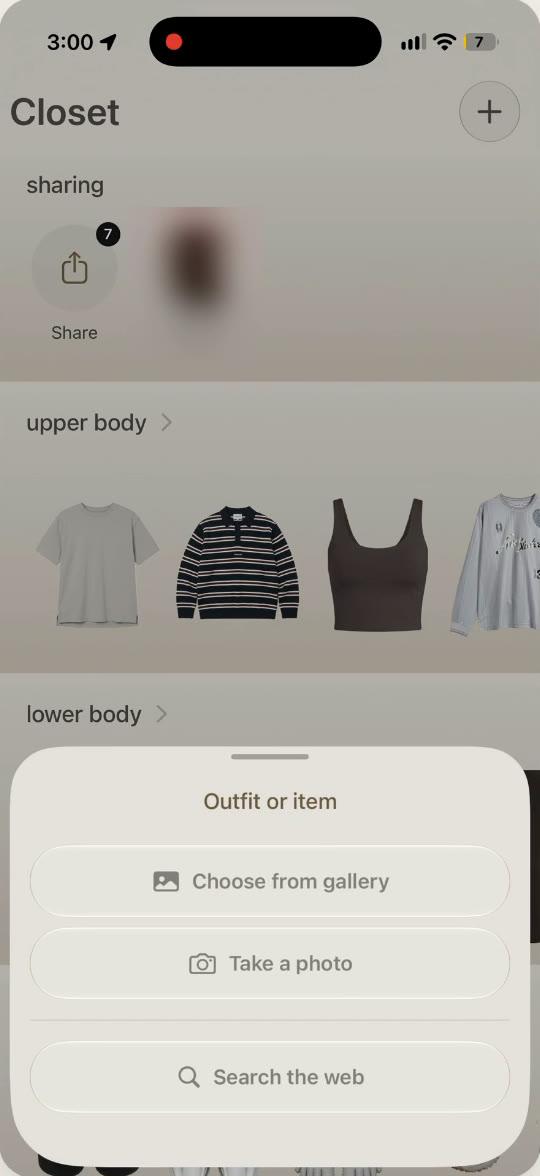
Add new pieces any time from a photo in your gallery, a new photo or a web search.
Updated November 24, 2026
Steps
- In the Closet tab, tap + and choose from gallery, take a photo or search the web.
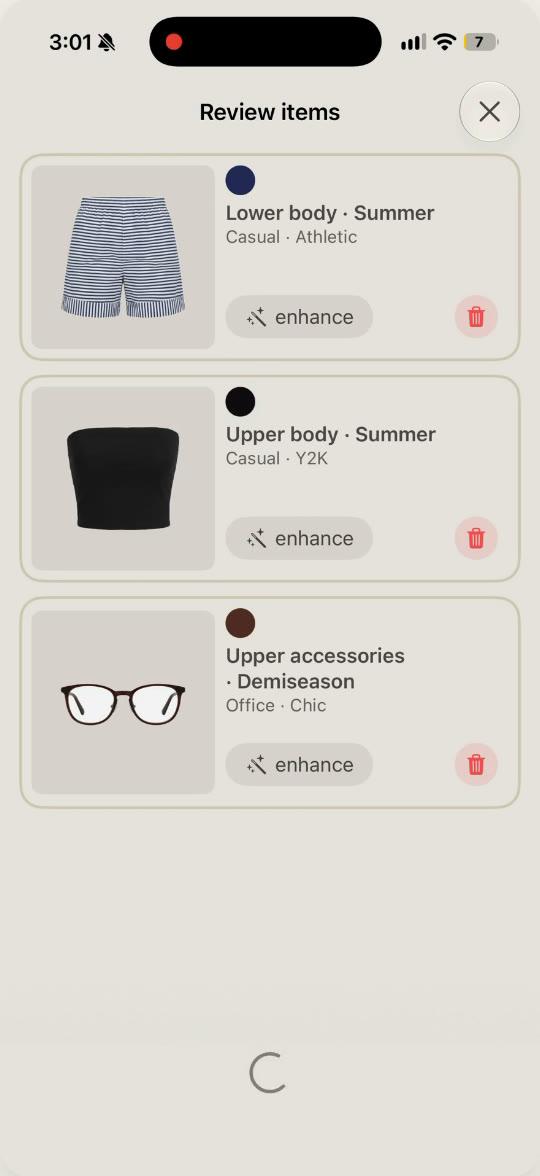
- Aesty finds every piece in the photo.
- Fix the category, color or season if you need to.
- Tap enhance to turn a piece into a clean product photo (3 credits), or enhance all to clean up every piece at 3 credits per 4 photos.
- Tap Save, and everything lands in your closet.